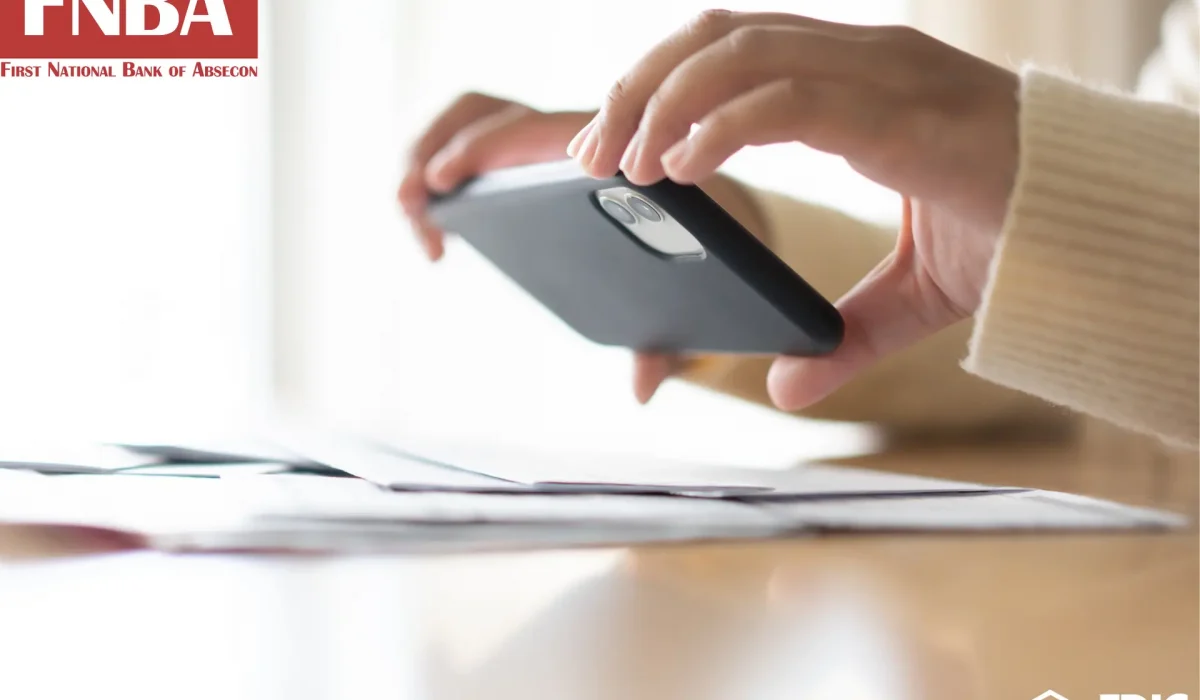
Managing your checking account from a smartphone is one of the easiest ways to skip an extra errand during a busy week. With mobile check deposit, you can photograph a check and send it directly to your account through the FNBA mobile app. The process is straightforward, but careful attention to each step helps prevent deposit errors and duplicate submissions.
Follow the steps below to properly endorse, capture, and submit your check for smooth and accurate processing.
How to Endorse and Photograph Your Check
Taking a few seconds to prepare your check before opening the app helps ensure the system processes your image correctly.
To get your check ready for submission:
- Sign the back of the check and write “For Mobile Deposit Only” directly beneath your signature, as outlined in our Digital Banking Guide.
- Lay the check on a flat surface in a brightly lit space to reduce shadows and glare.
- Open the FNBA mobile app, tap Deposit, click Continue once you have read the mobile banking notice, tap Deposit a Check, and photograph the front and back of the check, keeping the whole check in frame.
- Ensure that the written dollar amount, routing number, and signature appear sharp and easy to read before submitting.
Submitting Deposits and Understanding Funds Availability
After confirming that both images are clear, follow the prompts and tap Submit. FNBA will send a confirmation email as soon as your deposit has been successfully processed.
Your money will become available according to our standard Funds Availability Policy Disclosure. Review the full policy for further information.
Protecting Your Account and Managing Physical Checks
Handling paper checks carefully after you complete a deposit helps protect your information and prevent duplicate deposits.
To keep your paper checks and digital access secure:
- Keep the physical check stored safely until you verify that the deposit has posted to your account.
- Protect your online login details by setting up a strong password, and using your phone’s auto-lock. Be careful on unsecured Wi-Fi networks.
If you ever run into unusual checks or have any questions, contacting us or visiting a local branch in person is usually the best next step. Simply call 609-641-6300 or stop by any of our four South Jersey branches across Absecon, Northfield, and Galloway Township.
Make Mobile Check Deposit Part of Your Banking Routine With FNBA
Finding convenient ways to handle daily finances should also come with personal, accessible customer service. At FNBA, we’ve served South Jersey families and businesses with dependable banking solutions since 1916. By combining more than a century of local experience with modern tools such as online bill pay, Zelle® transfers, and secure mobile check deposit, FNBA brings community banking straight to your phone.
Download the FNBA app today or visit our site to enroll in online banking and manage your account conveniently wherever life takes you.